
A Guide to Stay Interviews
Keep great teachers by having the right conversations.
10–15 min
A teacher feedback preferences profile for school leaders.
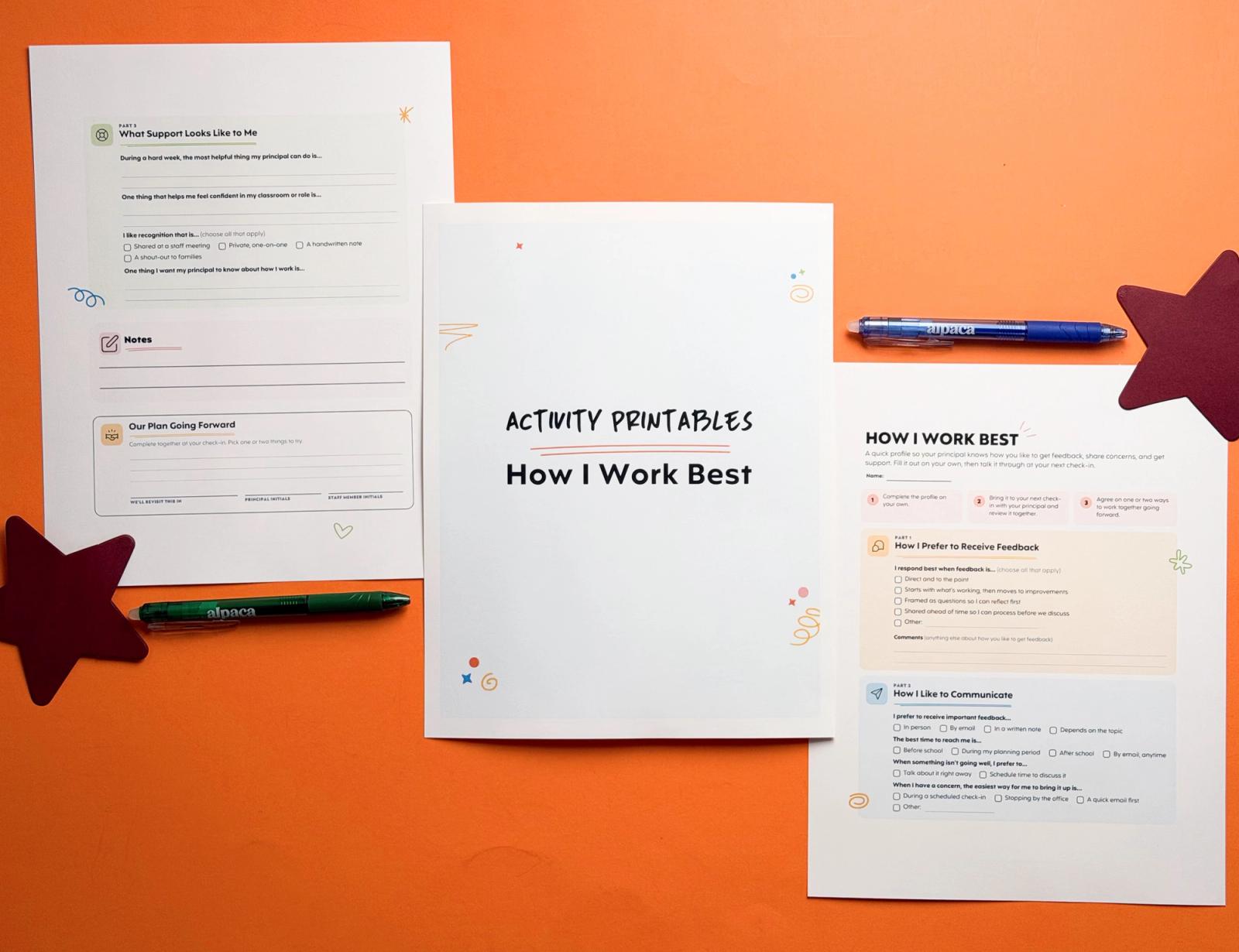
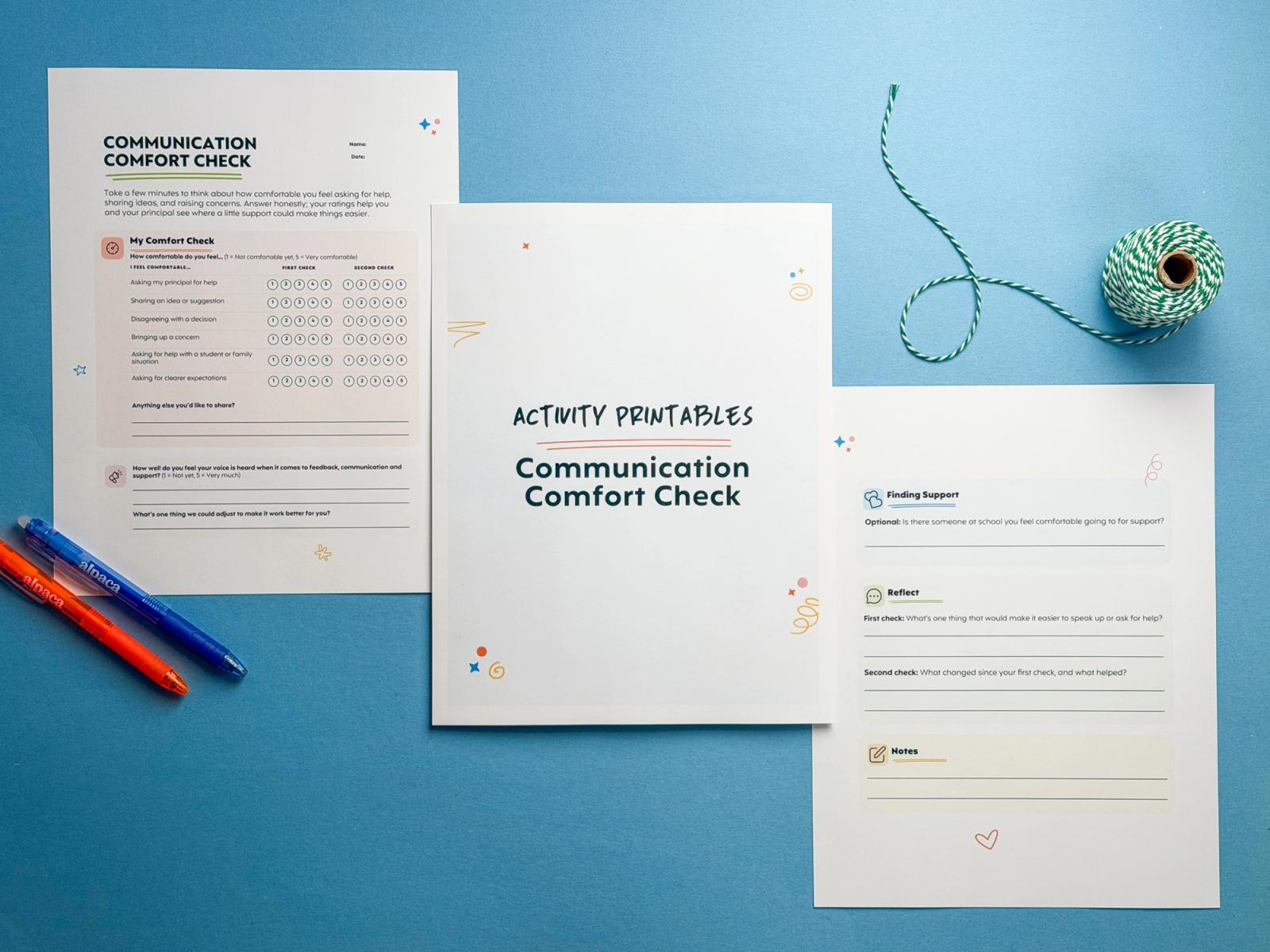
A teacher feedback preferences profile where each staff member answers how they like to get feedback, communicate, and receive support. Staff fill it out on their own and return it to their principal. You read each profile and use the answers to tailor how you give feedback, reach out, and recognize each person.
Why try it
Feedback preferences show you how to support each staff member
The profile tells you how each staff member wants to hear feedback, the best time to reach them, and what help looks like during a hard week. You get those answers in writing from every person on your team, ready to check before your next conversation, observation, or shoutout. Hand it out at the start of the year, when new staff join, or ahead of a busy season.
Browse the printables included with this resource.
Things you'll need
Instructions
Share the profile
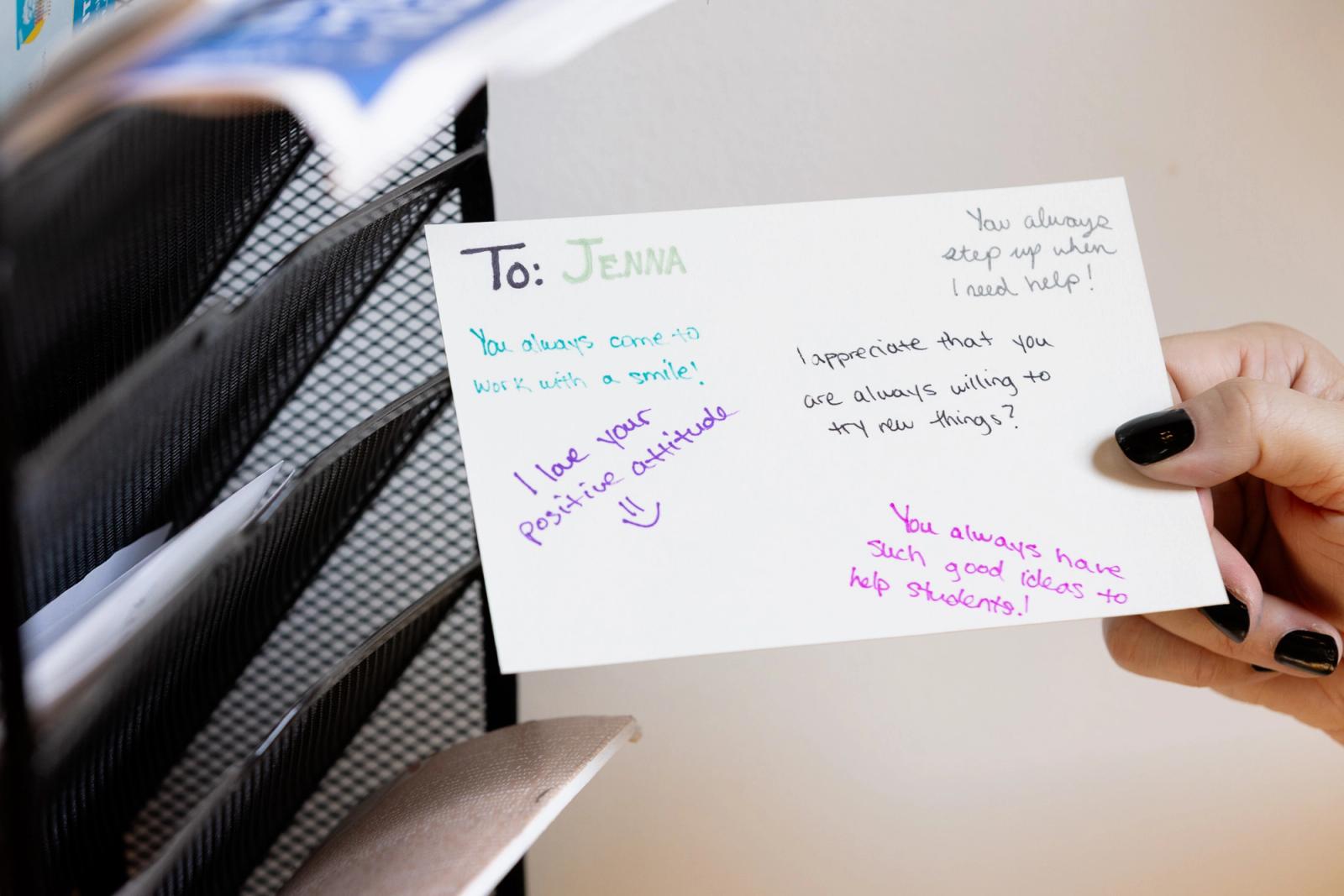
Place a copy in each staff mailbox or hand them out at a staff meeting. Add a short note, such as: “Please fill out this quick profile so I know how you like to get feedback, hear from me, and get support. Drop it in the tray in the front office by Friday.” Set a return spot and a due date about a week out.
Collect and read
Collect the completed profiles and read through each one. Use the notes section to jot the one or two preferences you most want to remember, like a staff member who wants feedback shared ahead of time.
Put it into practice
Before you give feedback, send an important email, or plan recognition, check that person’s profile. Use the plan section to write one or two things you’ll do differently for them.
Refresh the profiles
Share a new copy midyear or at the start of next year, and update your notes with any changes.
Activity variations
Adapt to fit your school's vibe, budget, and setting.
Principal profile
Fill out your own copy and share it at a staff meeting so staff know how you prefer to give feedback, communicate, and get support.
New staff onboarding
Add the profile to your new staff welcome packet so you know each new hire’s preferences from their first week.
Team profiles
Have grade-level or department teams fill out profiles and swap them, then use the answers to plan how they share feedback with each other.
Go deeper
Additional tips for running this resource.
Leader Tip #1
Match recognition to each profile
Use the recognition choices in Part 3 when you plan shoutouts. Fold private, one-on-one praise into your morning rounds with Morning Boost.
Leader Tip #2
Look for patterns across staff
Once profiles are in, tally the most common answers, like preferred times to reach staff, and adjust when you send emails or set meetings. Pair it with the TGIF Reflection for a weekly read on how staff are doing, or with Alpaca Pulse for schoolwide trends.
Built by Educators, for School Leaders
This resource was created in collaboration with passionate educators and school leaders who believe in the power of intentional connection.
Alissa Christensen
Head of Customer Success
Alpaca Pulse Check-In
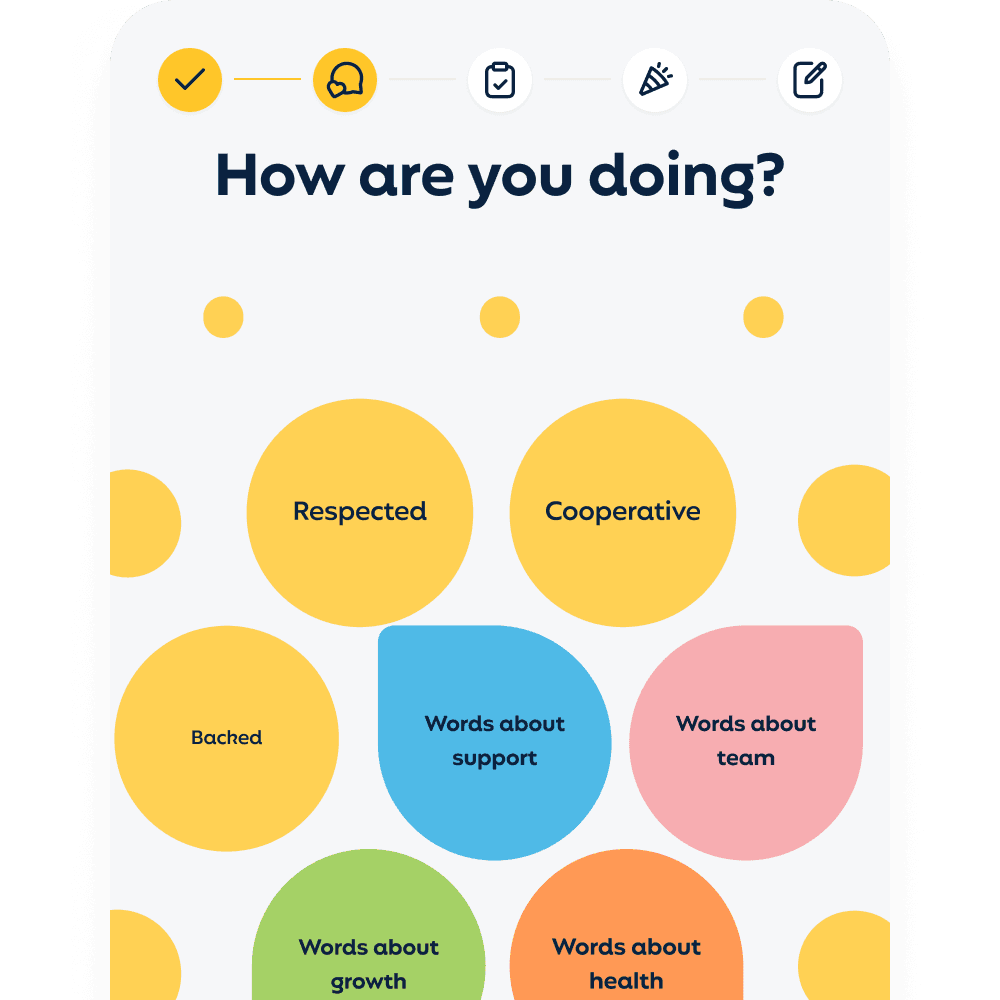
With just three simple questions, Alpaca's Pulse Check-In helps school leaders listen to their teams and act where support is needed most.
Join 15,000+ school leaders finding their next little win.