The PD Cafe: Wellness and Growth
A PD activity where staff choose a quick reset to an ongoing habit each week.
15-20 min
A menu-style PD activity that lets staff test new tools and tricks.
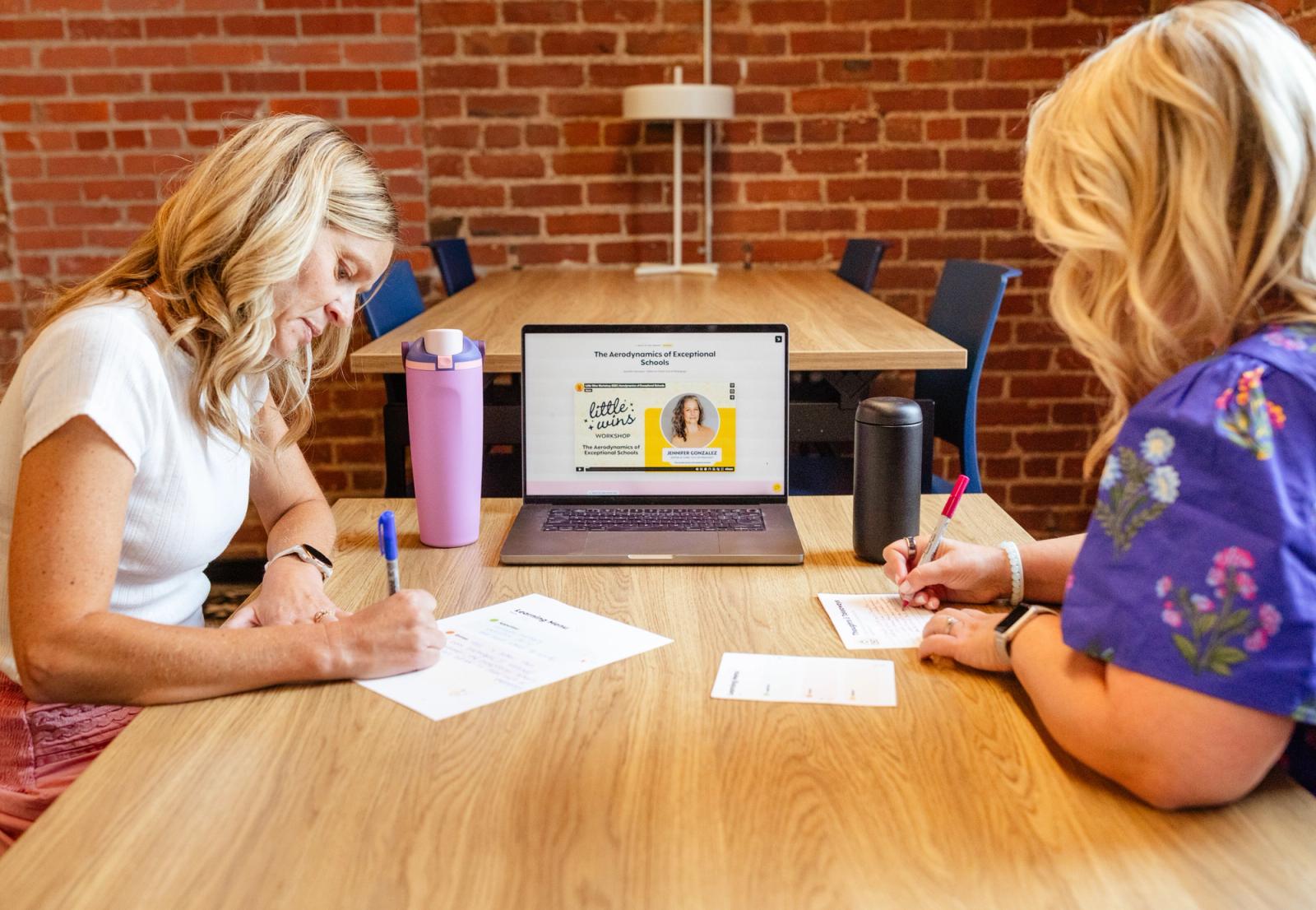
A self-paced professional development activity focused on classroom technology, where staff pick their own level of commitment from a menu: a quick appetizer to try something new, a hands-on entrée, or an ongoing habit for tracking what's working.
Why try it
Help staff explore new technology in a way that feels flexible and manageable. A menu of learning options lets each person choose what fits their schedule and goals, whether that's watching a quick five-minute video or diving deeper into a lesson with a coach. By giving staff choice, this activity encourages meaningful learning that supports both great teaching and student success
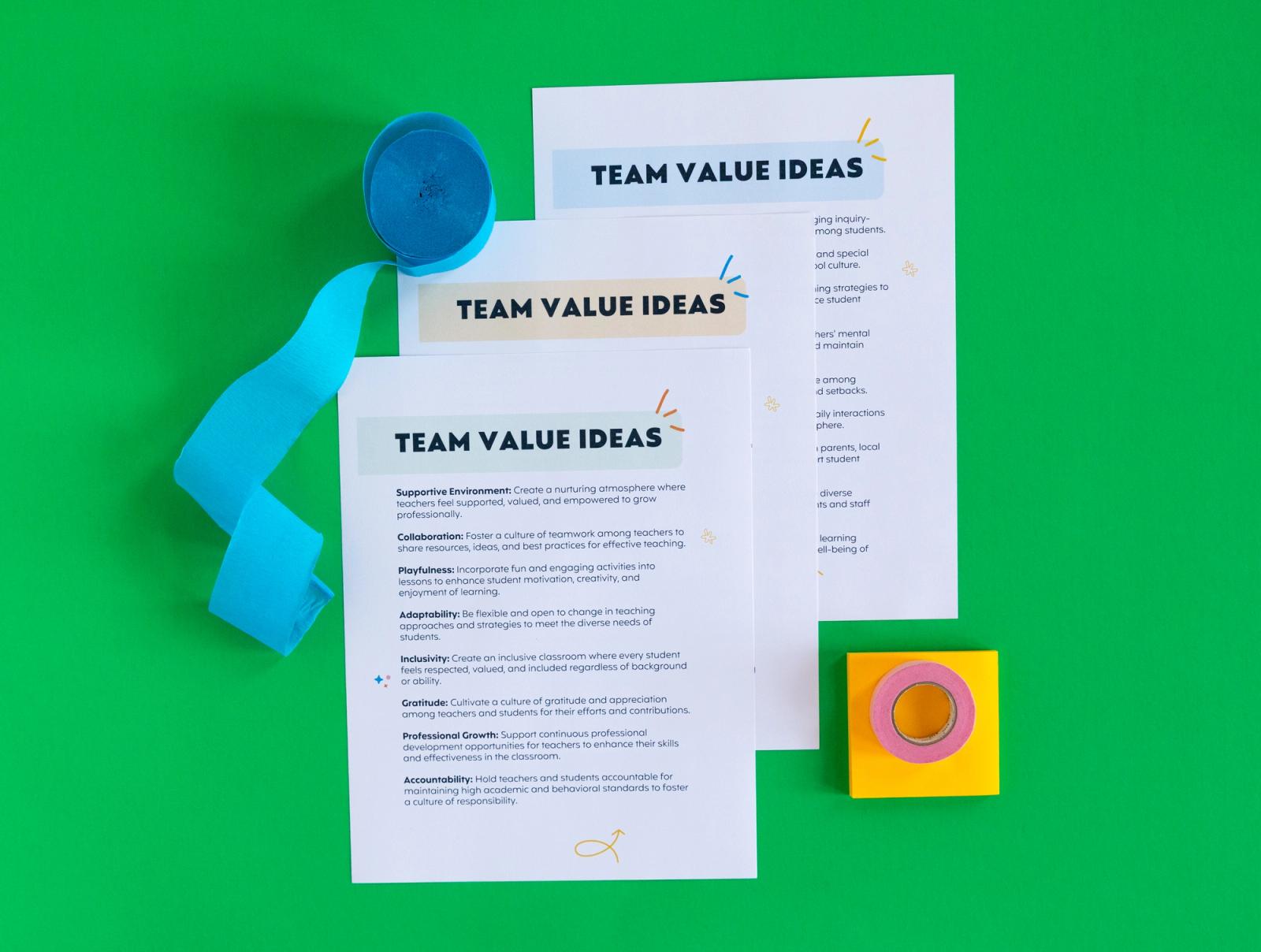
Browse the printables included with this resource.
Instructions
Print the menu and reflection cards
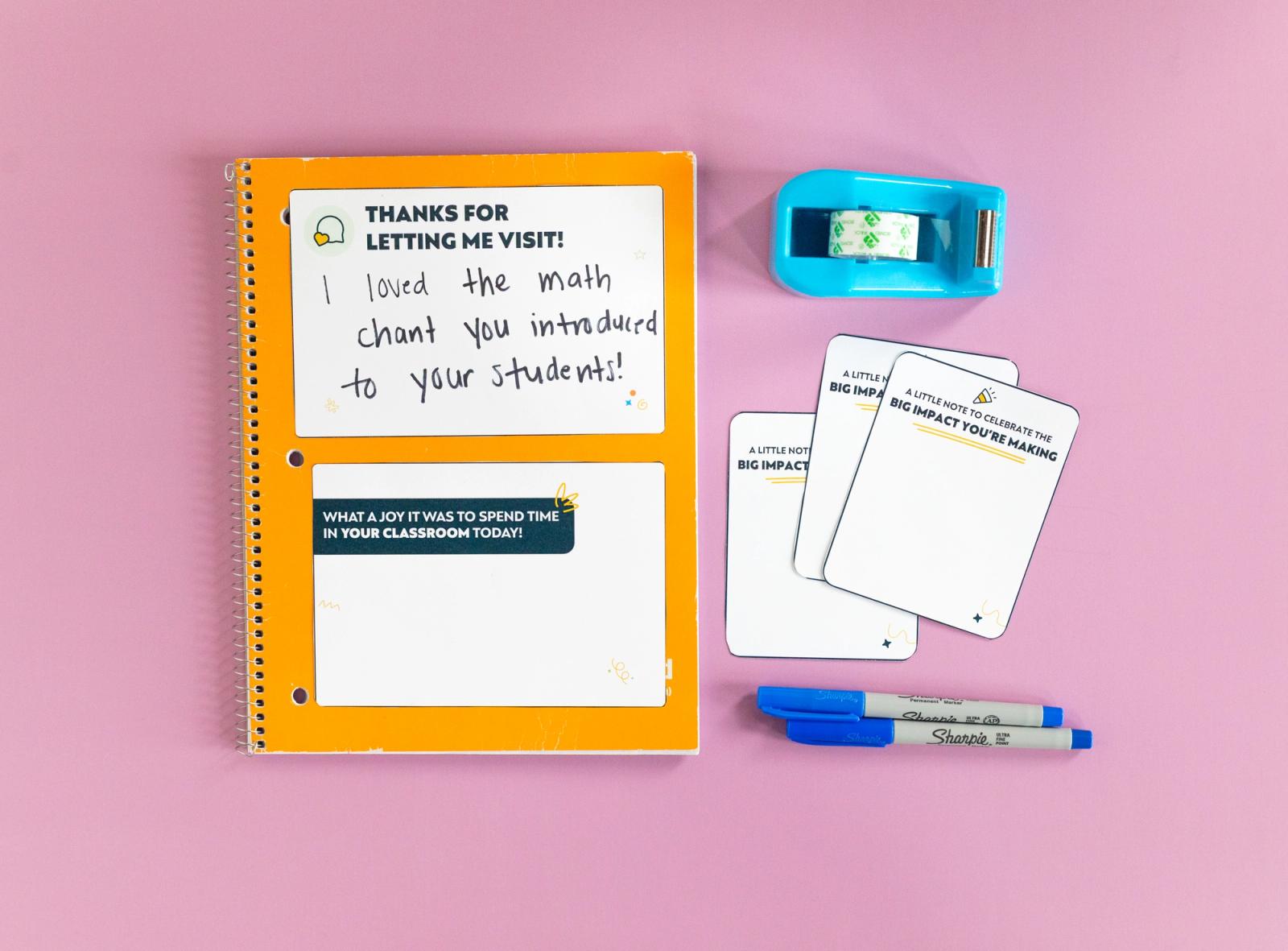
Print a Learning Menu, a Reflections & Refills card, a Learning Bites card, and a Thoughts & Takeaways card for each staff member.
Share the Technology and Innovation menu
Walk through the three categories: Appetizers (10-20 minutes), Entrées (1-2 hours), and Dessert (ongoing), each built around a tech tool or idea.
Let staff pick their order
Give staff time to choose from each course, or a single item if their week is packed, and note their picks on the Learning Menu.
Try it, then check in
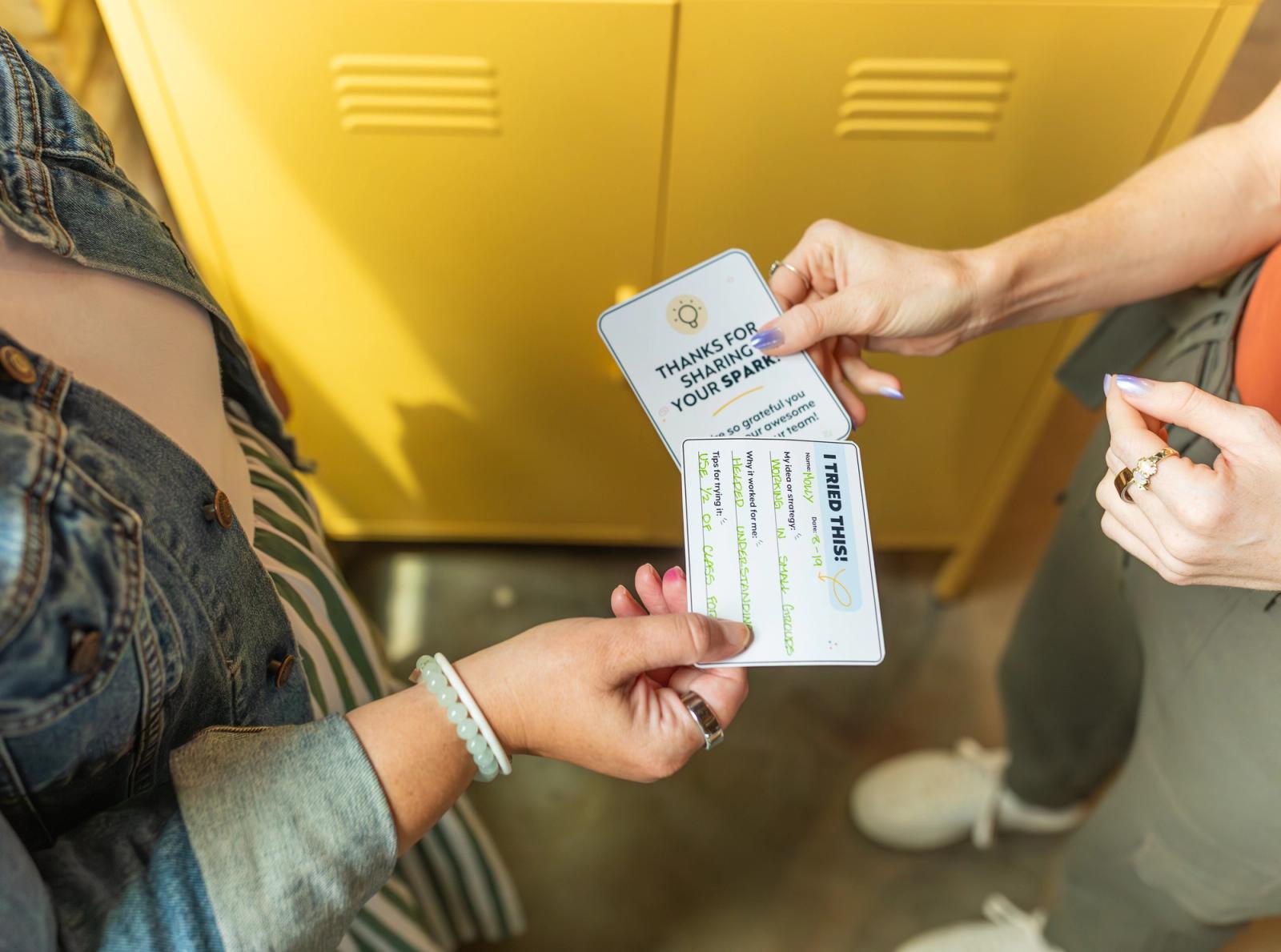
Set a timeframe for staff to try their selections, then have them fill out a reflection card to capture what worked and what didn't.
Activity variations
Adapt to fit your school's vibe, budget, and setting.
Department tech swap
Have staff from different departments share their favorite low-lift tech tricks with each other before choosing their own menu items.
Tech fair format
Turn a staff meeting into a walk-around tech fair, with a few staff members demoing an entrée-level tool they tried at stations around the room.
Student-led session
Invite a few students to demo a tool they use often, then let staff choose whether to try it themselves as an appetizer.
Go deeper
Additional tips for running this resource.
Leader Tip #1
Keep the appetizer list current
Swap in a new video, app, or podcast every few months so the quick-win options stay relevant to what's trending in classrooms.
Leader Tip #2
Ask the "empowers vs. digitizes" question
As staff choose an entrée, encourage them to look for tools that add value to the learning experience by helping students engage, collaborate, create, or think in new ways.
Leader Tip #3
Loop in student feedback
Encourage staff who choose the dessert-level challenge to invite student feedback. Asking students which tools helped them learn or stay engaged can lead to meaningful conversations and valuable ideas for future lessons.
Built by Educators, for School Leaders
This resource was created in collaboration with passionate educators and school leaders who believe in the power of intentional connection.
Megan Rogers
Teacher
Join 15,000+ school leaders finding their next little win.